If you are buying an SSD specifically to make DuckStation run faster, I can save you some money: you probably do not need one.
PS1 games move tiny amounts of data by modern standards, and DuckStation’s performance depends far more on your CPU, GPU, emulator settings, and the health of your storage than on whether your SSD reads at 500MB/s or 7,000MB/s. A healthy SATA SSD, NVMe drive, or portable USB SSD will all feel essentially identical during normal PS1 emulation.
So the best SSDs for DuckStation in 2026 are not the fastest drives I could stuff into a benchmark table. They are the ones that make sense for the machine you already own: a reliable NVMe drive for most modern PCs, a cheaper current NVMe option, a SATA drive for older systems, and a portable SSD if you want one library that moves between machines.
Quick answer: If you already have a healthy SSD with enough free space, keep it. If you actually need more internal storage, the WD Blue SN5000 is my straightforward pick. If price matters more than sustained-write performance, look at the Kingston NV3. For a SATA-only machine, the Samsung 870 EVO remains a solid option if the current retail price is reasonable. For a portable library, the Kingston XS2000 is fast, tiny, and complete overkill in the best way.
Last checked: August 22, 2026. SSD pricing has been unusually volatile this year, so I rechecked current product status, specifications, warranties, and DuckStation’s storage behavior rather than locking this guide to retail prices that may be wrong next week.
Affiliate disclosure: This post contains Amazon affiliate links. As an Amazon Associate I earn from qualifying purchases at no extra cost to you. Affiliate relationships do not change which drives I recommend.
Best SSDs for DuckStation Compared
| Pick | Drive | Type | Why It Makes Sense |
|---|---|---|---|
| Best overall | WD Blue SN5000 | M.2 NVMe PCIe 4.0 | Current, reliable, 500GB–4TB, 5-year warranty |
| Best budget NVMe | Kingston NV3 | M.2 NVMe PCIe 4.0 | Current low-cost line, 500GB–4TB, more speed than DuckStation needs |
| Best SATA | Samsung 870 EVO | 2.5-inch SATA | Good fit for older PCs without NVMe support |
| Best portable | Kingston XS2000 | USB-C external SSD | Tiny, 500GB–4TB, easy to move between systems |
Does an SSD Make DuckStation Faster?
Not in the way people usually mean when they ask this question.
DuckStation emulates the PlayStation’s CPU, GPU, CD-ROM timing, audio, and other hardware behavior. Your drive mainly needs to deliver the disc image reliably. Even a mechanical hard drive can exceed the bandwidth the original PlayStation ever asked from its CD-ROM drive by an enormous margin.
An SSD can still improve the host PC experience: faster booting, quicker file copies, faster library scans, no spinning-disk wake delay, and no moving parts. But do not expect a PCIe 4.0 NVMe drive to give you more FPS than a healthy SATA SSD. It will not.
DuckStation even includes a Preload Image to RAM option. The emulator’s current tooltip says it loads the game image into memory and is useful for unreliable network paths; in some cases it can also eliminate stutter when a game begins CD-audio playback. The option is off by default, and you normally do not need it when games already live on healthy local storage.
If your real problem is slowdown, stuttering, or ugly graphics, storage probably is not the first place to look. My DuckStation settings guide covers the settings that actually affect rendering and performance, while my DuckStation setup guide covers the basic installation.
How Much Storage Do PS1 Games Need?
Much less than modern games.
A single PS1 disc image is usually under 1GB, although the exact file size depends on the dump format, audio tracks, raw sector data, and whether the game uses multiple discs. That is why I would not repeat the overly neat “every PS1 game is 700MB or less” rule. Raw BIN/CUE dumps can be larger than the amount of user data printed on the original CD.
DuckStation supports MAME CHD images, which can reduce the size of supported disc dumps without throwing away game data. That makes even a 500GB drive capable of holding a very large PS1 collection, while 1TB gives most people plenty of room for PS1 plus other retro systems.
I also would not claim that the entire North American PS1 library fits on one exact drive size. Library totals change depending on revision sets, multi-disc titles, compression, and what you count. Pick capacity around your collection instead of building a storage plan around one suspiciously precise internet number.
SSD Prices Are Weird in 2026, but Nobody Knows the Future
The original version of this guide told readers not to wait because SSD prices “won’t” come down. I would not make that prediction.
What we can verify is that consumer storage has been under real supply pressure. Micron announced in December 2025 that it was exiting the Crucial consumer business and said AI-driven data-center demand was part of the reason. Crucial consumer shipments continued only through February 2026, while warranty and support remain in place.
That helps explain why prices and availability have been unusually messy this year. It does not tell us what a 1TB SSD will cost three months from now. Compare current prices when you are ready to buy instead of treating any March 2026 price range as a prophecy.
1. WD Blue SN5000: Best Overall Internal SSD
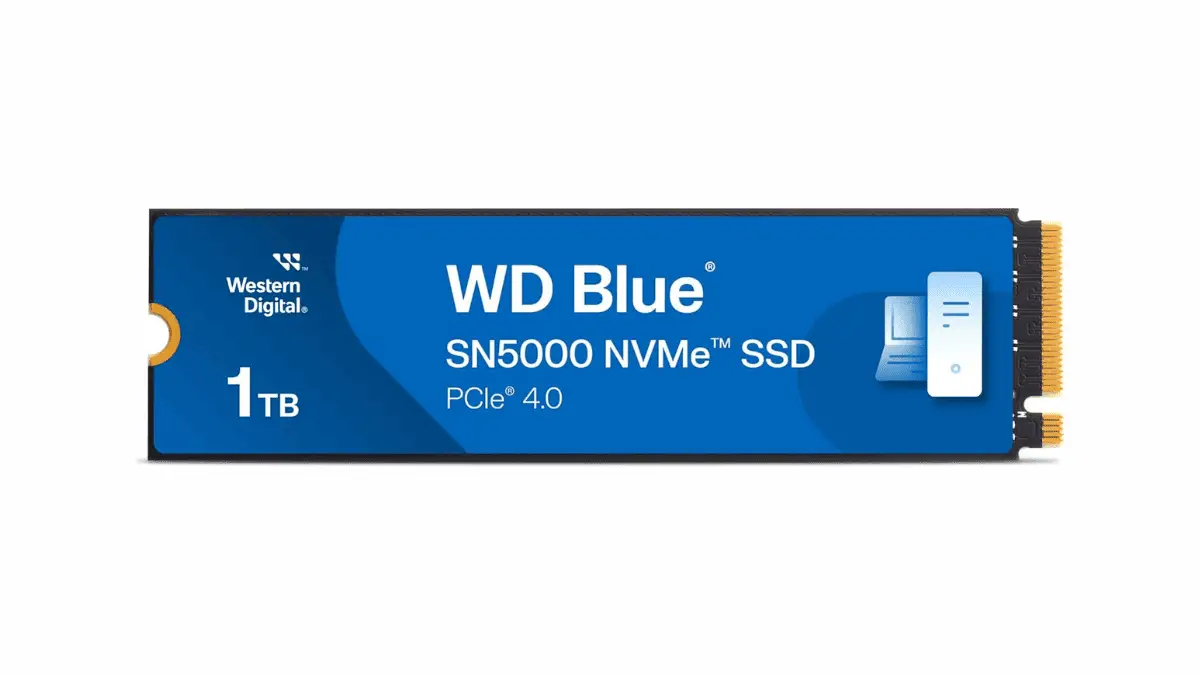
- Form factor: M.2 2280
- Interface: PCIe 4.0 x4 NVMe
- Capacities: 500GB, 1TB, 2TB, 4TB
- 1TB sequential read: up to 5,150MB/s
- 1TB endurance: 600 TBW
- Warranty: 5 years or endurance limit
Western Digital’s current SN5000 specifications make it a sensible mainstream drive even though DuckStation will barely notice its speed. I like it here because it is a normal current Gen4 drive with useful capacities and a five-year warranty, not because PS1 suddenly needs 5GB/s.
If you are adding general PC storage and DuckStation happens to be part of that, the 1TB or 2TB models make the most sense to me. If this drive is only for PS1 games, even 500GB is generous.
Check the current WD Blue SN5000 price on Amazon.
2. Kingston NV3: Best Budget NVMe Pick
The original guide used the Crucial P3 Plus here. I replaced it because Micron has now exited the Crucial consumer business. Remaining P3 Plus stock can still be perfectly usable, and warranties continue, but it no longer makes sense as the evergreen “budget drive you can always buy” recommendation.
- Form factor: M.2 2280
- Interface: PCIe 4.0 x4 NVMe
- Capacities: 500GB, 1TB, 2TB, 4TB
- 1TB sequential read/write: up to 6,000/4,000MB/s
- 1TB endurance: 320 TBW
- Current warranty: limited 5 years
The current Kingston NV3 is another comically overqualified PS1 drive. Its value is that it is a current budget-oriented product line, not that DuckStation needs 6,000MB/s reads.
For a mostly read-heavy game library, I care more about buying from a reputable seller, having enough capacity, and getting a real warranty than chasing sustained-write benchmarks. If the SN5000 and NV3 are close in price, I prefer the SN5000. If the NV3 is meaningfully cheaper, DuckStation gives you no reason to pay the difference.
What about the Crucial P3 Plus? It is still a legitimate PCIe 4.0 SSD with a five-year warranty, and Micron says warranty/support continue. I would only buy remaining stock if the price is clearly better than a current-production alternative. Check the remaining P3 Plus listings on Amazon.
3. Samsung 870 EVO: Best for SATA-Only PCs
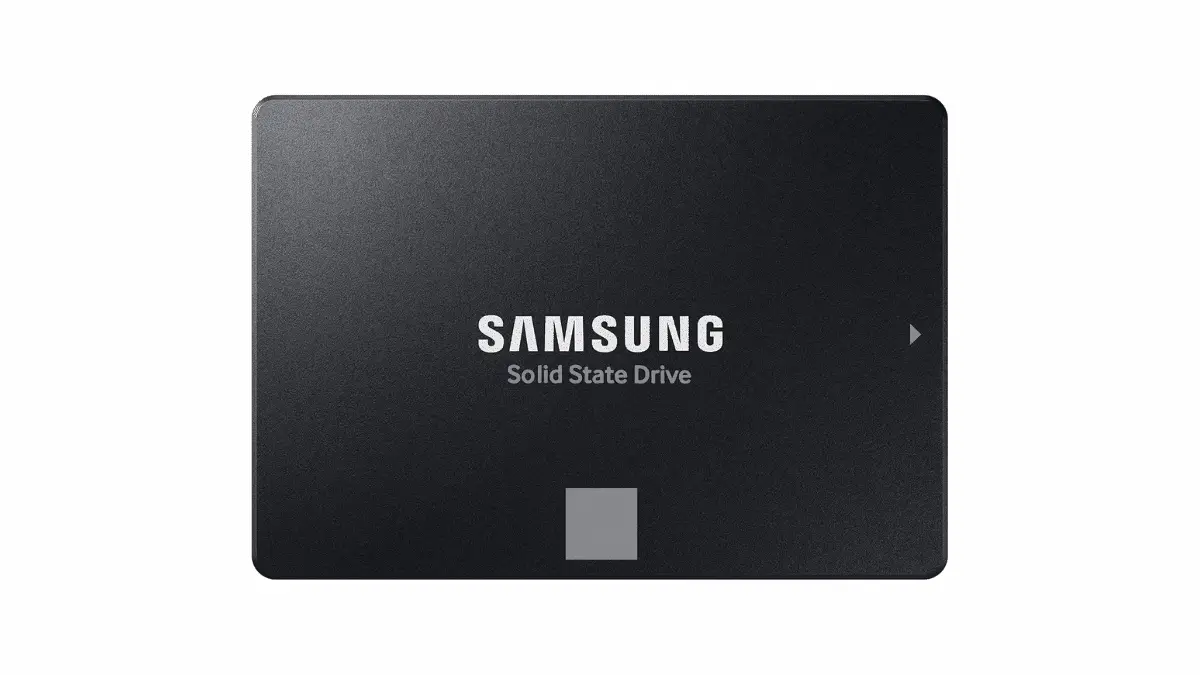
- Form factor: 2.5-inch SATA
- Interface: SATA 6Gb/s
- 1TB read/write: up to 560/530MB/s
- 1TB endurance: 600 TBW
- Warranty: 5 years or endurance limit
The 870 EVO is an older product line, but Samsung was still issuing current support material and firmware in 2026. That makes it a reasonable recommendation for a machine that genuinely needs a 2.5-inch SATA SSD.
The important word there is needs. If your motherboard supports NVMe and an NVMe drive costs the same or less, buy NVMe. If you are upgrading an older desktop or laptop with a SATA bay, the 870 EVO is fast enough for DuckStation many times over.
Check the current Samsung 870 EVO price on Amazon. I would not pay a huge premium for it just because the Samsung name is familiar.
Do Not Assume Every M.2 Slot Supports NVMe
This is another correction from the old version of this guide. M.2 describes the physical form factor, not the storage protocol. Some older M.2 slots support SATA drives, some support PCIe/NVMe, and some systems have restrictions on drive length, lanes, or shared ports.
Before ordering an NVMe SSD, check your motherboard manual or laptop specifications for terms such as M.2 2280 PCIe / NVMe. Looking at the slot alone is not enough.
4. Kingston XS2000: Best Portable DuckStation Library
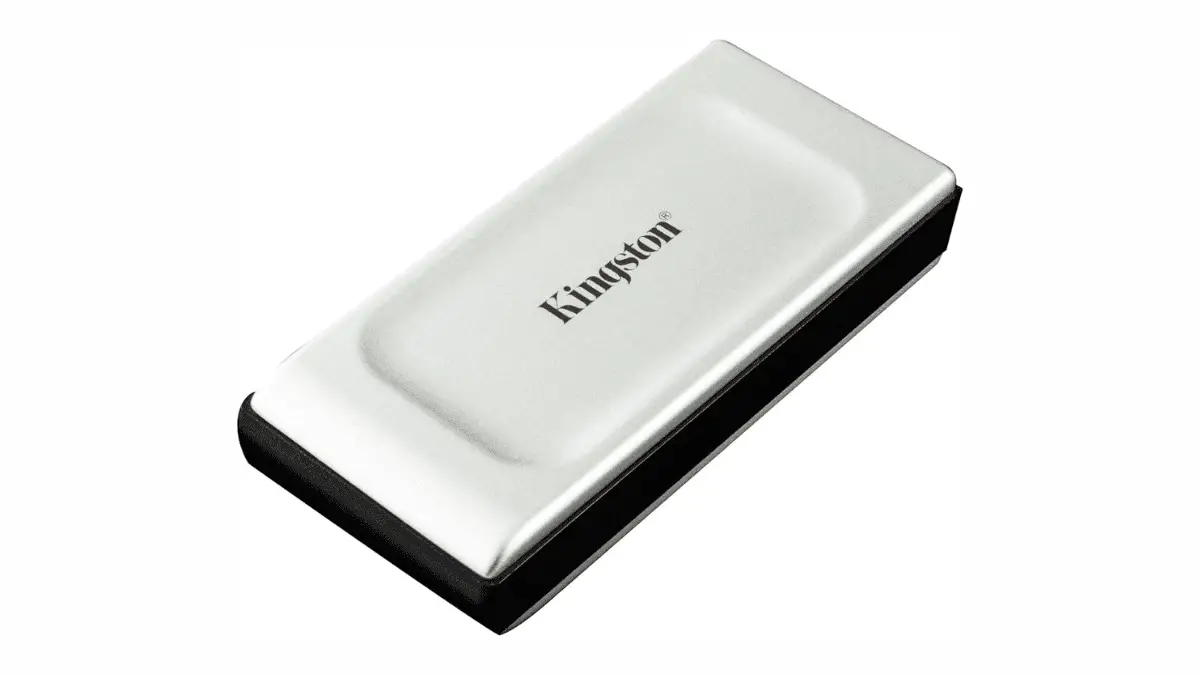
- Interface: USB 3.2 Gen 2×2 over USB-C
- Maximum rated speed: up to 2,000MB/s read and write
- Capacities: 500GB, 1TB, 2TB, 4TB
- Warranty: limited 5 years
- Included: USB-C cable and removable protective sleeve
The XS2000 makes sense if your real requirement is portability. Keep your legally backed-up games on one drive, point DuckStation at the folder on each computer, and the library itself can travel with you.
One important correction: a USB-C port does not guarantee 2,000MB/s. USB-C is the connector. The XS2000 needs a host that supports USB 3.2 Gen 2×2 to reach its headline speed, and Kingston itself notes that compatibility/performance depend on the host hardware and software.
For DuckStation, that limitation barely matters. Even a slower compatible USB connection can provide far more throughput than PS1 emulation requires. Buy the XS2000 because it is compact and useful for other files too, not because PS1 needs a 20Gbps external SSD.
Check the current Kingston XS2000 price on Amazon.
DuckStation SSD FAQ
Do I need an SSD for DuckStation?
No. A healthy hard drive can deliver PS1 disc-image data fast enough. SSDs are still nicer for overall PC responsiveness, library scanning, reliability against mechanical wear, and avoiding disk spin-up delays, but they do not magically increase DuckStation’s emulation speed.
Does NVMe make DuckStation faster than SATA?
Not in normal gameplay. A healthy SATA SSD already provides vastly more storage bandwidth than PS1 emulation needs. NVMe is worth buying because modern PCs use it, prices can be competitive, and it is faster for general computing and large file transfers.
What SSD size is best for PS1 games?
500GB is already substantial for a PS1-focused collection, especially if you use CHD. I prefer 1TB when the drive will also hold other retro systems, PC files, captures, or general storage.
Does DuckStation support CHD files?
Yes. DuckStation officially supports MAME CHD disc images along with formats such as BIN/CUE, raw BIN/IMG, MDS/MDF, CCD, ECM, and unencrypted PBP.
Should I enable Preload Image to RAM?
Usually not. DuckStation leaves it disabled by default. The emulator describes it as useful for unreliable network paths and says it can sometimes remove stutter when games begin CD-audio playback. Local SSD users normally do not need it.
Can DuckStation games run from an external SSD?
Yes. DuckStation can scan and launch supported disc images from an external drive as long as the operating system mounts the drive and the game path remains accessible. You do not need an ultra-fast external SSD for PS1.
Which SSD Should You Buy?
If you already own a healthy SSD, buy nothing. DuckStation is not going to reward you for replacing a perfectly good drive with one that has a larger benchmark number.
If you genuinely need storage, the WD Blue SN5000 is my straightforward internal pick. The Kingston NV3 is the budget alternative when it is meaningfully cheaper. The Samsung 870 EVO is for SATA-only systems, and the Kingston XS2000 is for people who want the library itself to travel.
The boring answer is the useful answer here: buy enough capacity, verify compatibility, choose a reputable drive with a real warranty, and stop worrying about SSD speed. The original PlayStation was reading games from a double-speed CD-ROM drive. Your 2026 storage is going to survive.
If you are building the whole retro setup rather than just adding storage, my 2026 retro gaming setup guide covers folder organization, emulators, controllers, saves, and the other pieces that matter more than a 7,000MB/s benchmark.